
GridPlay
Play one YouTube video across a whole grid of looping tiles — your own video-wall, right on screen.
Free & open source · macOS app + browser version (works on Windows & Linux too)
Play one YouTube video across a whole grid of looping tiles — your own video-wall, right on screen.
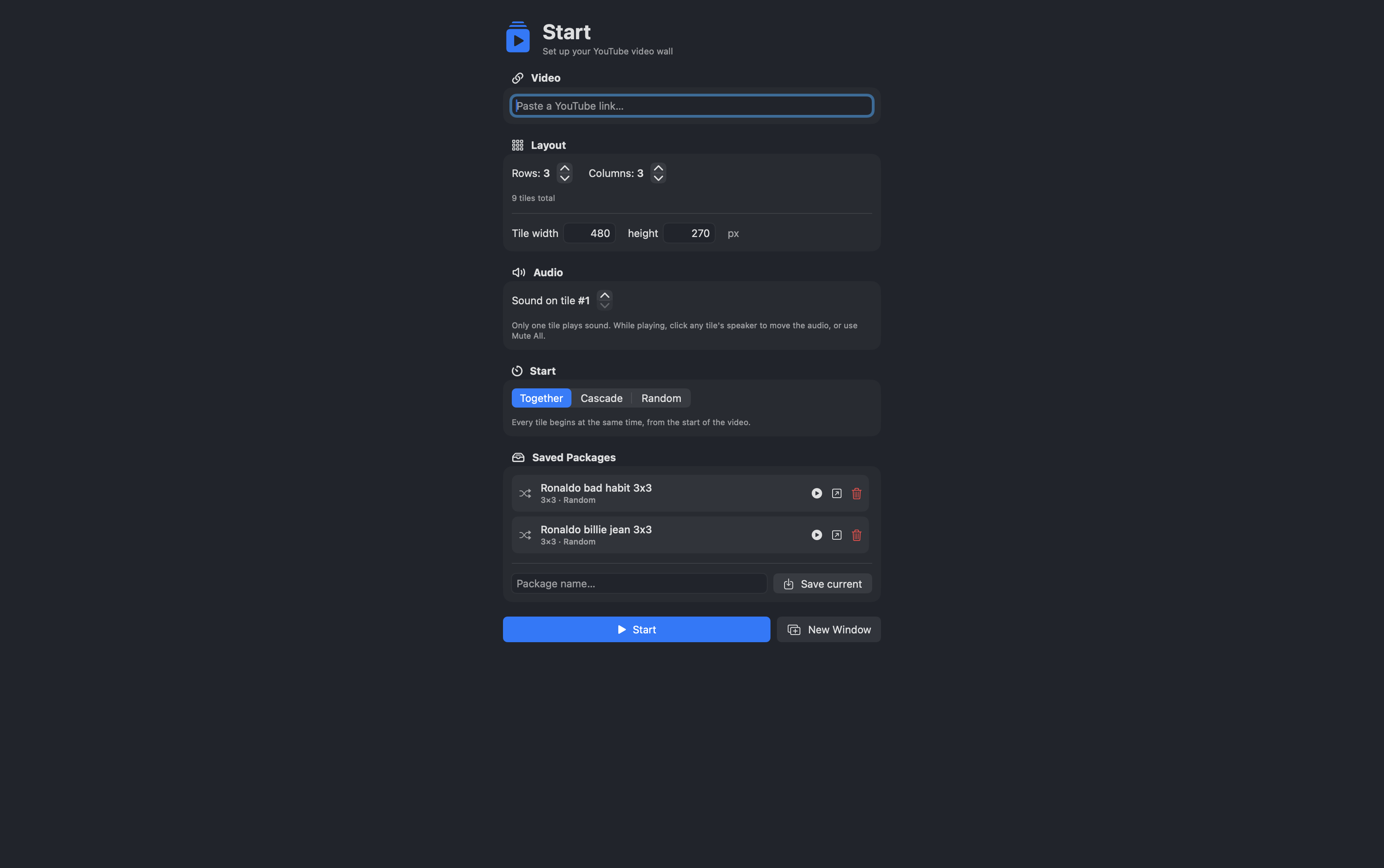
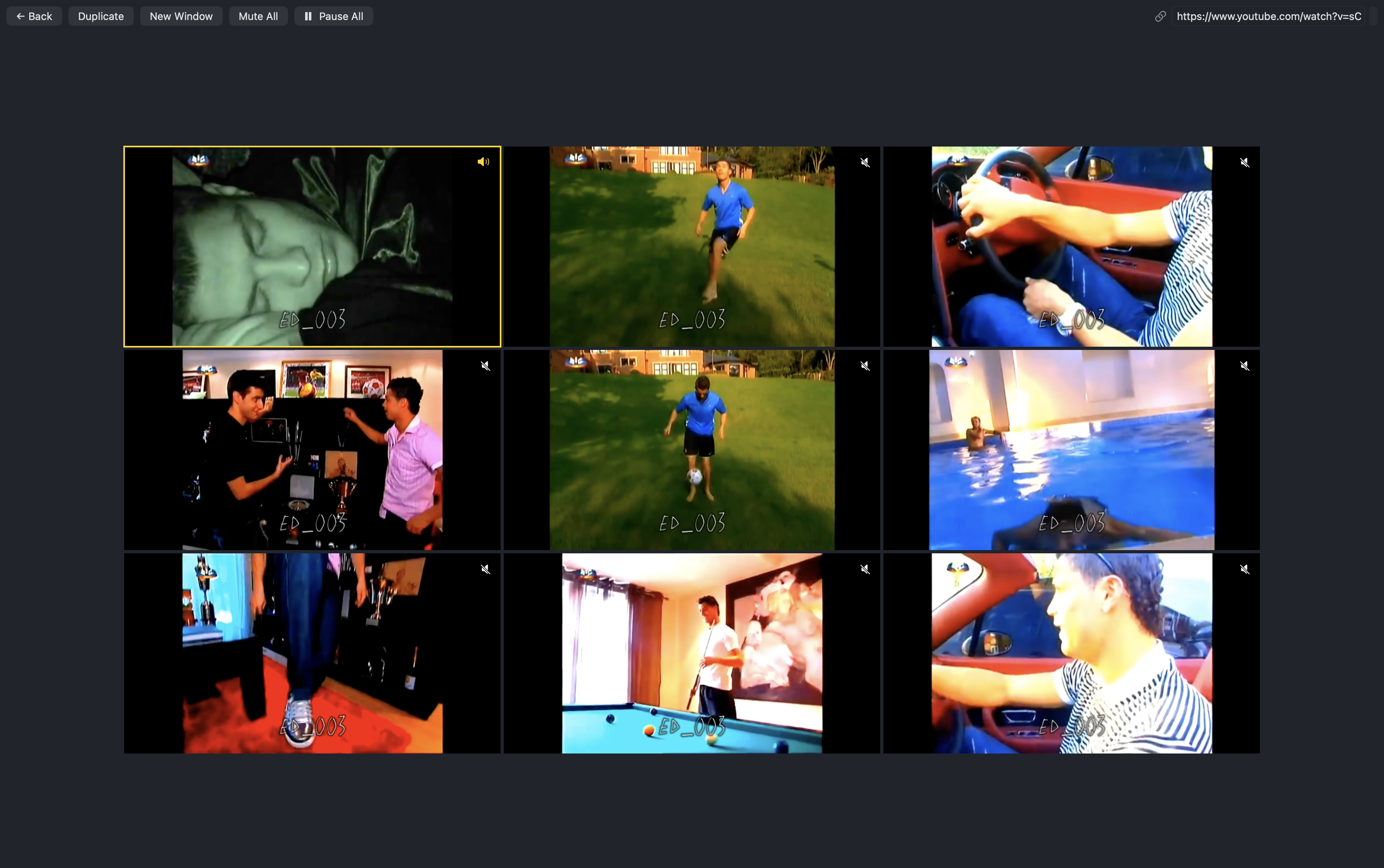
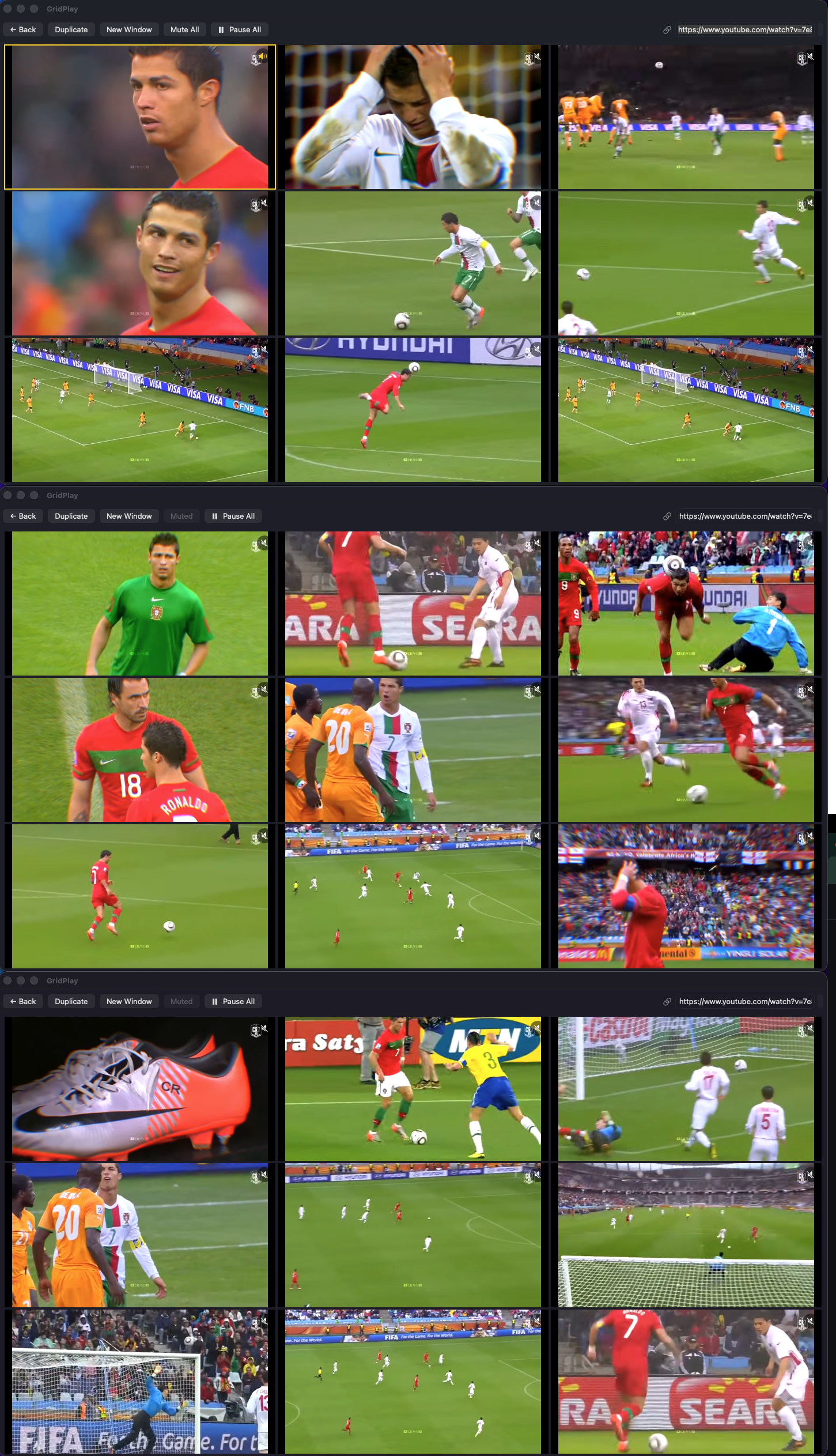
From a single YouTube link to a full video-wall in four steps.
Any YouTube URL — watch, youtu.be, or Shorts.
Rows × columns and the pixel size of each tile.
Together, a timed cascade, or a random-offset mix.
Every tile loops forever; one tile carries the audio.
Everything you need to build and control the wall.
Custom rows, columns and per-tile width/height in pixels.
Only one tile plays sound; move it with a click, or Mute All.
Together, cascade (staggered), or random start points.
Every tile loops seamlessly, forever.
Duplicate a wall or open new ones — stack them up.
Save a link + all settings and reopen it with one click.
Change the video while playing — settings stay put.
Freeze or silence the whole wall instantly.
Subtitles are kept off for a clean picture.
Use it right now in your browser, or install the native macOS app.
A real double-clickable app for macOS 14 and later.
⬇ Download GridPlay.dmg.dmg and drag GridPlay to Applications. The app isn't
notarized, so on first launch macOS says it "can't be verified" — that's expected.
Open System Settings → Privacy & Security, scroll down and click
Open Anyway. (Or run xattr -dr com.apple.quarantine /Applications/GridPlay.app.)
Runs anywhere — Windows, macOS, Linux. Nothing to install.
▶ Launch web app